 SharetoBoard
Context decays fast
The source, the angle, and the reason it mattered are obvious right now. Five minutes later, you may remember the link and lose the thought.
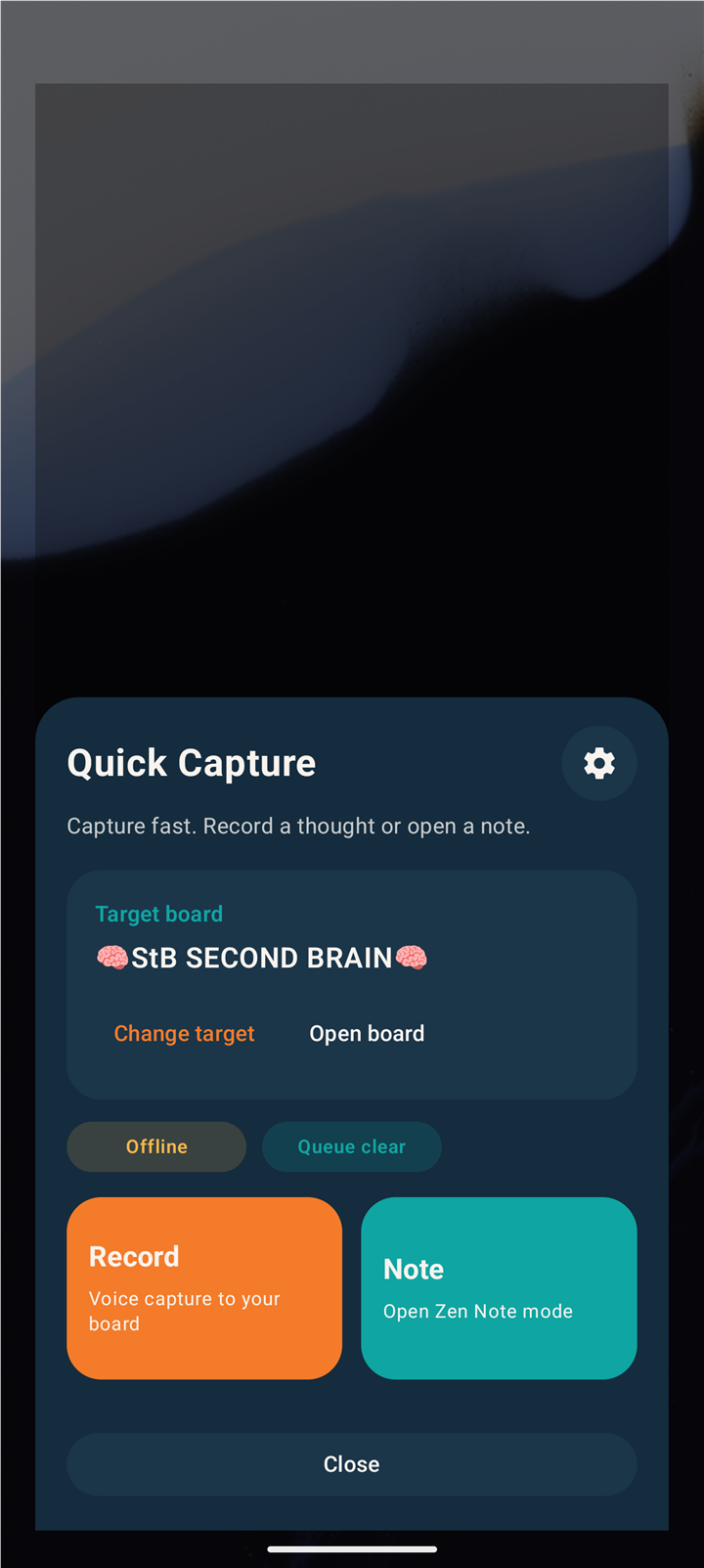
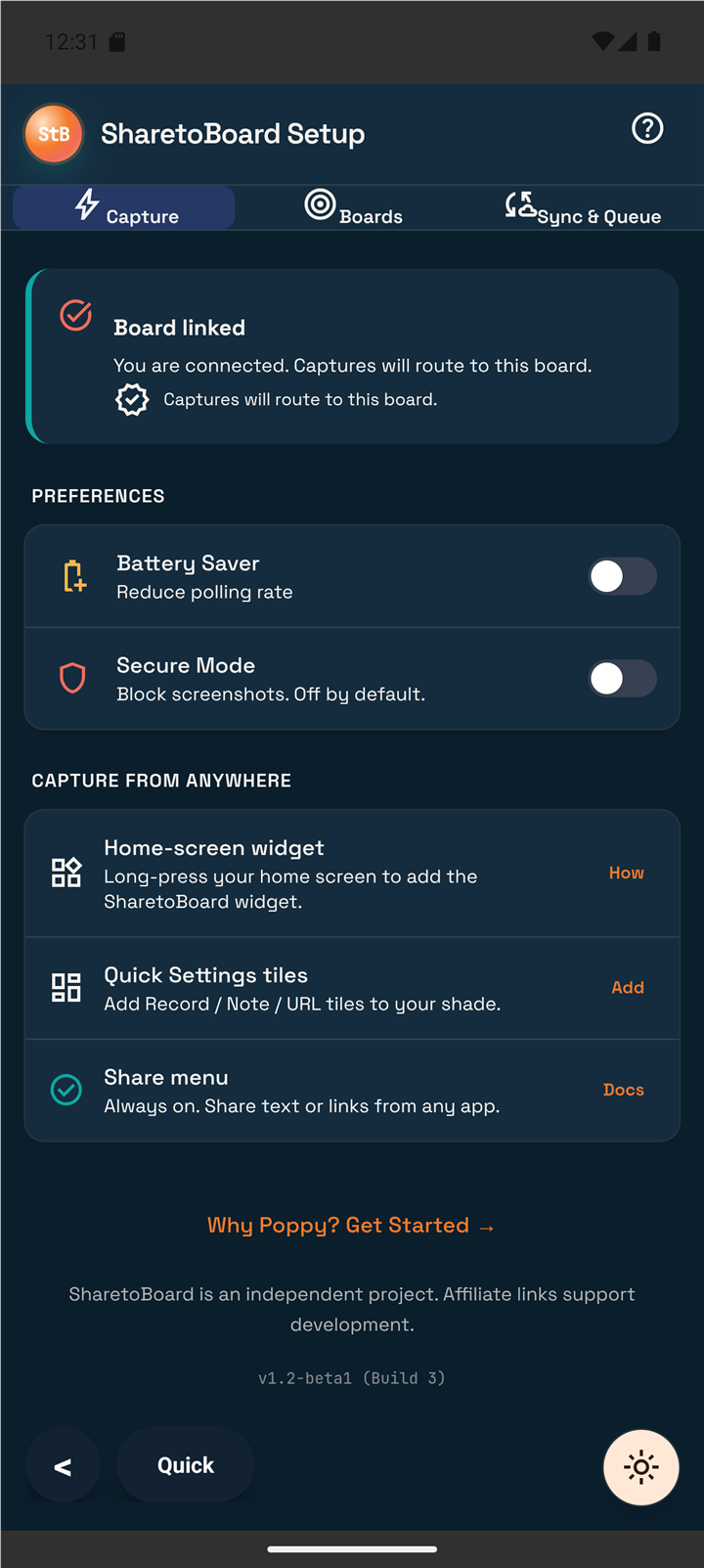
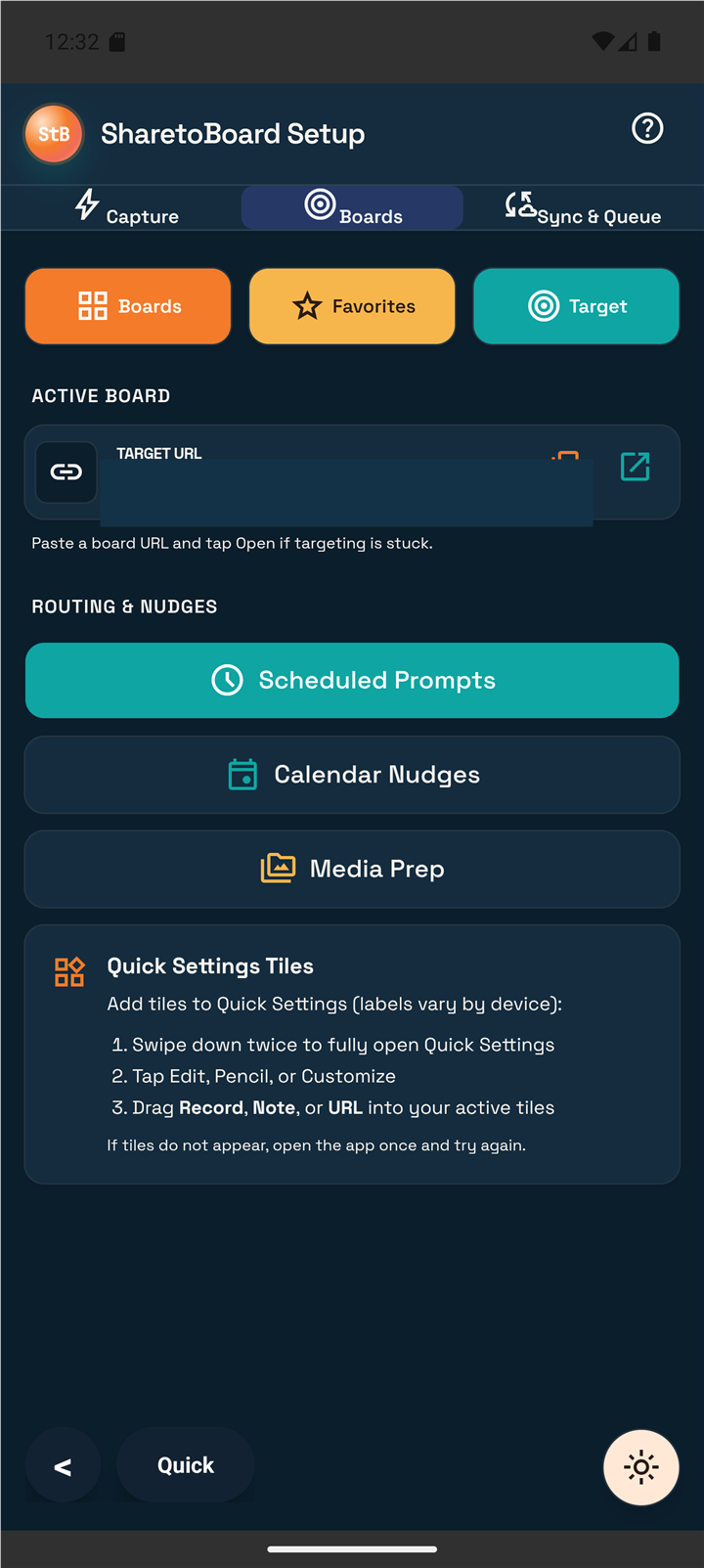
SharetoBoard puts a fast path to the right Poppy board in the places useful things actually appear: the Android share sheet, selected text, widgets, Quick Settings, Quick Note, Record, Selfie, Import, and Chrome. Fewer taps. Fewer app switches. More ideas that survive long enough to become work.
Beta access is opening in stages. SharetoBoard Android 1.3-beta1, Build 6 is still completing device and Google Play testing, so there is no public install link yet. See what is ready.
The closed Android beta will be free. Poppy membership is separate. SharetoBoard is independent and is not affiliated with or endorsed by Poppy.
Good ideas have a half-life.
Every extra tap, app switch, and “I’ll save it later” gives the useful thing another chance to die.
Useful material does not arrive neatly. It shows up mid-scroll, mid-conversation, inside a screenshot, as a voice thought, or in a browser tab you are about to close. SharetoBoard meets it there instead of asking you to stop, open another app, find the board, recreate the context, and hope you still care.
The source, the angle, and the reason it mattered are obvious right now. Five minutes later, you may remember the link and lose the thought.
Every extra tap, copy, paste, app switch, and destination decision makes “I’ll do it later” more likely. Later is where useful things go to disappear.
Point SharetoBoard at the workflow once. Then use the nearest capture surface while the source and your intent are still connected.
The share sheet, selection action, widget, tile, note, record, camera, import, and Chrome capture are not nine random features. They are one promise delivered wherever the moment happens: the nearest door should be close enough that you actually use it.
You should not have to remember a workflow before you can save the thing. Use the surface that is already under your thumb or cursor.
Send a link, text, or supported item from the app that is already open.
Catch the exact sentence while the meaning and your reaction are still fresh.
Type the thought before your brain changes the channel.
Speak when typing would be slower than the idea is moving.
Capture visual context from the camera instead of describing it from memory later.
Pull in an existing file without inventing a temporary holding place first.
Start capture from the home screen or Quick Settings instead of hunting for the app.
Move browser material while the page is still open and the reason it matters is still obvious.
Availability varies by product and beta stage. The status page separates what is built from what is publicly installable.
Android and Chrome solve the fast-capture problem. BoardCue, MCP, and the Skills Pack help present, develop, or repeat the work after the useful thing is safely inside the workflow.
Links, selected text, notes, recordings, photos, imports, widgets, Quick Settings, and Poppy handoff.
SharetoBoard AndroidThe flagship app for catching the useful thing before another app switch kills the moment.Beta list openMove browser material, use a focused specialist, or put a script beside the camera.
SharetoBoard ChromeRight-click and selection capture plus the Chrome Specialists middle tier.Private betaBoardCueThe SharetoBoard teleprompter and always-on-top HUD.Release testingPoppy Skills PackGuided missions that can use TentaClaw, shriMCP, or both.Coming soonChoose the connection based on where the workflow runs instead of pretending local and cloud are the same thing.
TentaClawThe local MCP for supported desktop clients.Private betashriMCPThe cloud MCP for approved remote clients and SharetoBoard apps.Cloud stagingA source, quote, objection, screenshot, voice thought, or half-formed idea earns your attention.
Share, select, type, speak, photograph, import, tap a widget, or right-click without rebuilding the workflow first.
Continue on the chosen Poppy board while the context is intact, then present, automate, or hand work to an agent when it is ready.
SharetoBoard is useful because Poppy is where the captured material can become visual, connected, AI-assisted work. The funnel should not pretend every visitor starts in the same place.
Join the Android beta list, inspect the Chrome candidate, or review the status of the broader ecosystem.
Poppy is the visual workspace. SharetoBoard is the capture layer that gets material there before its meaning disappears.
SharetoBoard may earn a commission at no extra cost to you. Prefer no affiliate? Visit Poppy directly. Full disclosure.
Walk through the capture-to-board flow before installing or signing up.
ExamplesSee creator, agency, research, client, voice, link, and follow-up workflows.
FeedbackNo invented testimonials. See what permissioned tester evidence exists today.
PricingSharetoBoard beta access, Poppy membership, credits, and future pricing are clearly separated.
Put the capture action close enough to the source that “later” never gets a vote.
When the work becomes a script, put it in a focused teleprompter HUD instead of balancing windows around the camera.
Use local MCP for local clients and cloud MCP for approved remote workflows.
Turn a successful workflow into a repeatable mission without bloating or replacing the products underneath it.
Save the source and the angle before autoplay starts the next thing, then develop it on the board and move the finished script into BoardCue.
Capture the objection, phrase, proof point, or follow-up while the conversation is still in your head and route it into the correct campaign workflow.
Speak the architecture thought, grab the screenshot, or import the file now. Bring in a specialist or MCP connection after the idea is safe.
“The problem was never a shortage of notes apps. The useful thing showed up somewhere else, and getting it to the board took just long enough for me to say, ‘I’ll do it later.’”
Already use Poppy? Join the Android beta list. Still choosing the workspace? Start with Why Poppy and the product overview.